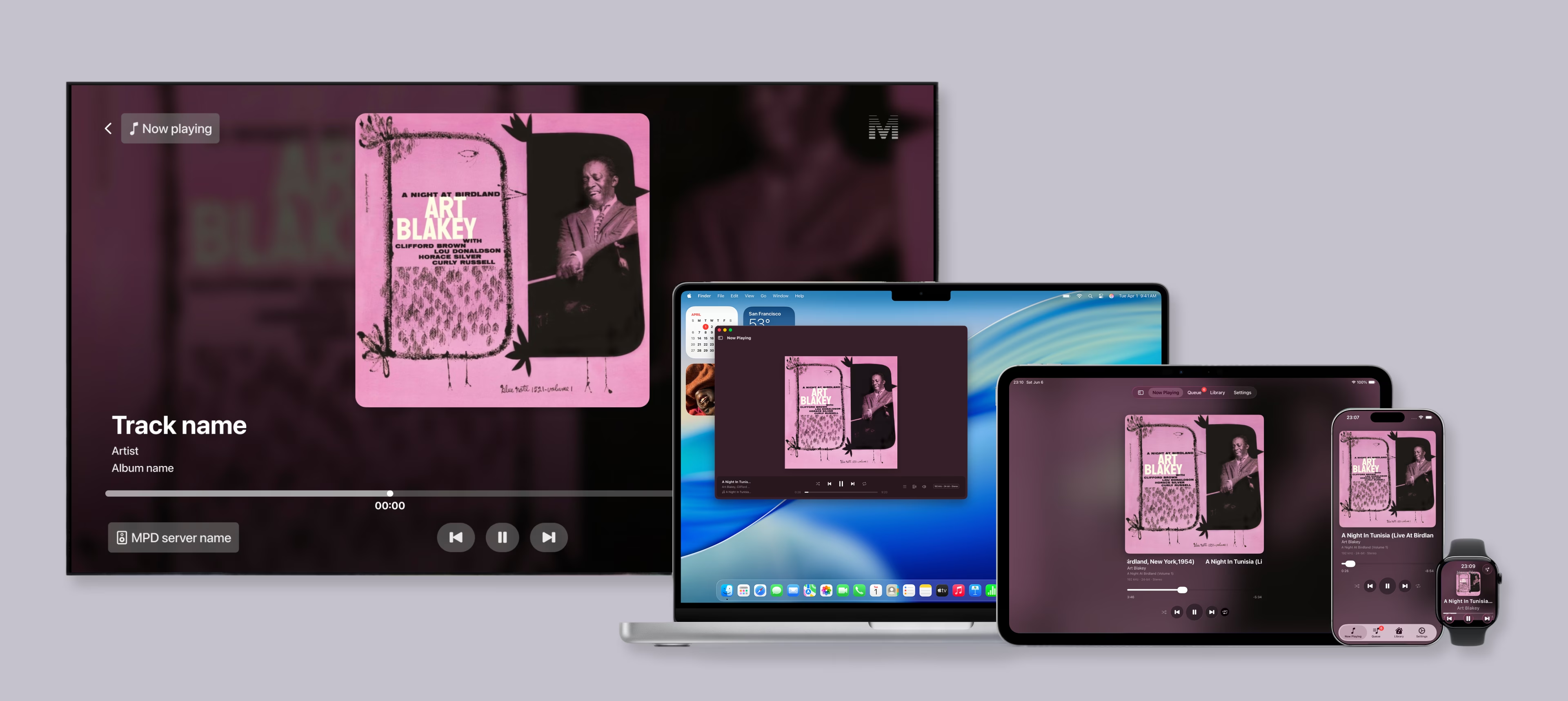
This is a personal, vibe-coding project: a native Music Player Daemon (MPD) client for the Apple ecosystem, which I named Melo. I designed it and built it myself in Swift and SwiftUI, using Claude to plan the work and Claude Code to write the code.
Problem
I keep a collection of high-fidelity audio files (FLAC, DSD, and the like) served from a local MPD server, and controlling playback has always been a compromise. The MPD clients on the App Store today feel outdated, clunky, visually inconsistent, or all of the above. I wanted something that felt native and considered, and that worked the way I actually live with my music at home.
Defining the constraints
- Multi-device. Anyone in the house, on the local network, should be able to control the music from whatever device is closest.
- Apple-only. Scoped to the Apple ecosystem to keep the surface area manageable and the experience consistent.
- Time-boxed. One weekend.
Approach
I started with the iOS app to get a feel for how the workflow would go. I used Claude to plan the architecture and feature set up front, then Claude Code for the actual development. Once the iOS client was working, I extended that same foundation out to the rest of Apple’s platforms, reusing the patterns and design language across each one.
For the design decisions that mattered, I didn’t leave it to chance. I created layout mockups in Figma and shared them with Claude Code to implement, so the interface matched a deliberate design rather than whatever the model defaulted to.
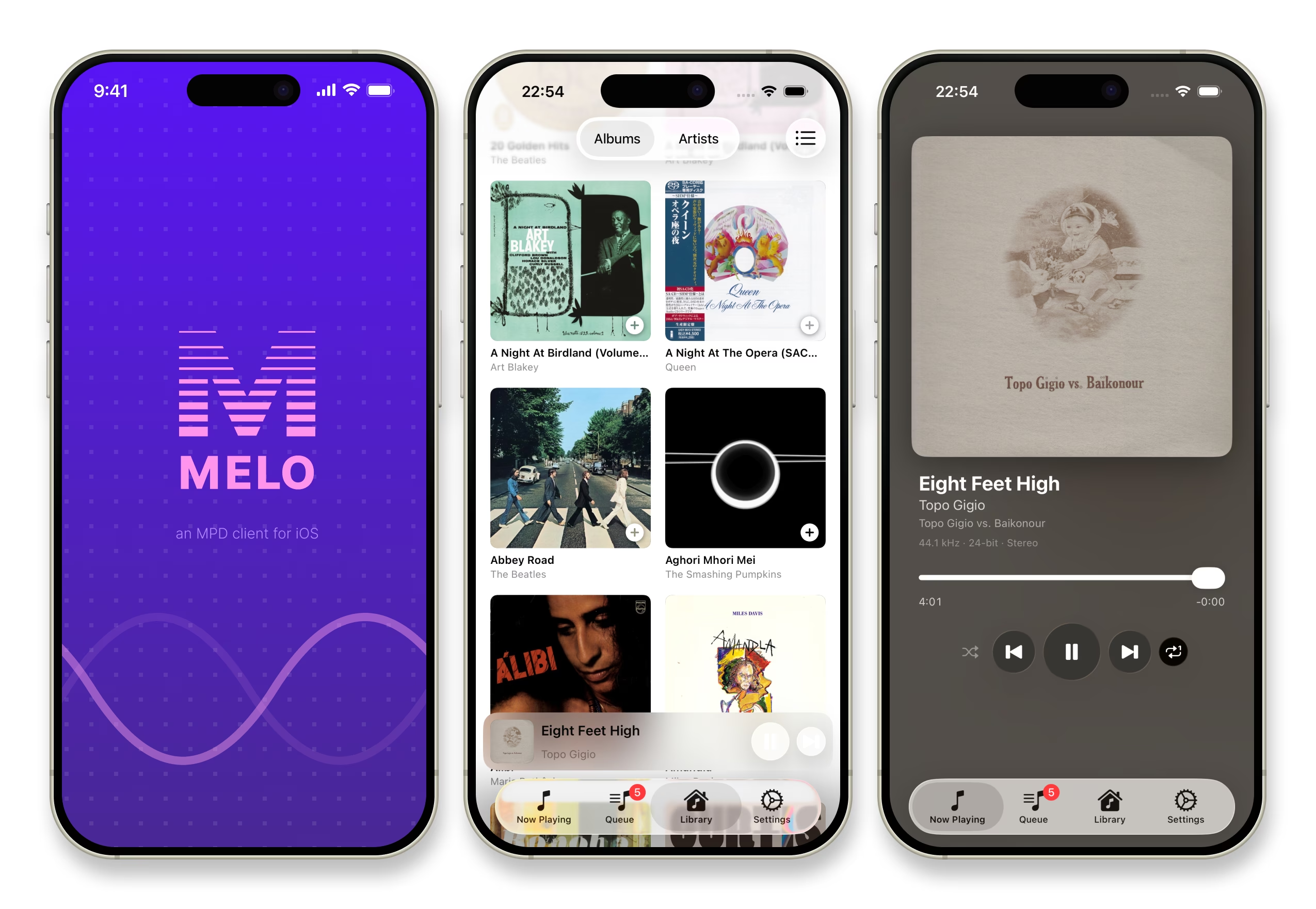
Solution
A small family of native apps that share one design language:
- iOS runs on both iPhone and iPad
- tvOS is a living-room experience for browsing and playback
- macOS handles playback, plus library management when a local MPD server is running
- watchOS gives you quick playback controls from the wrist
Key learnings
- Planning beats one-shotting. Investing in a clear plan with Claude before prompting saved a lot of rework later, far more than trying to get everything right in a single prompt.
- AI gets you functional; design gets you finished. Claude Code handled the functionality well, but UI styling and interaction details still needed a designer’s eye. The polish is where most of my time went, and it’s the part that separates a working prototype from something I’d actually want to use every day.
Beyond the practical takeaways, it was genuinely fun to see what decisions Claude made when I handed it intentionally vague prompts, and where my own direction was needed to steer it back toward the experience I had in mind.